DX Reminder for Award Chasers: IOTA, DXCC and Special Events
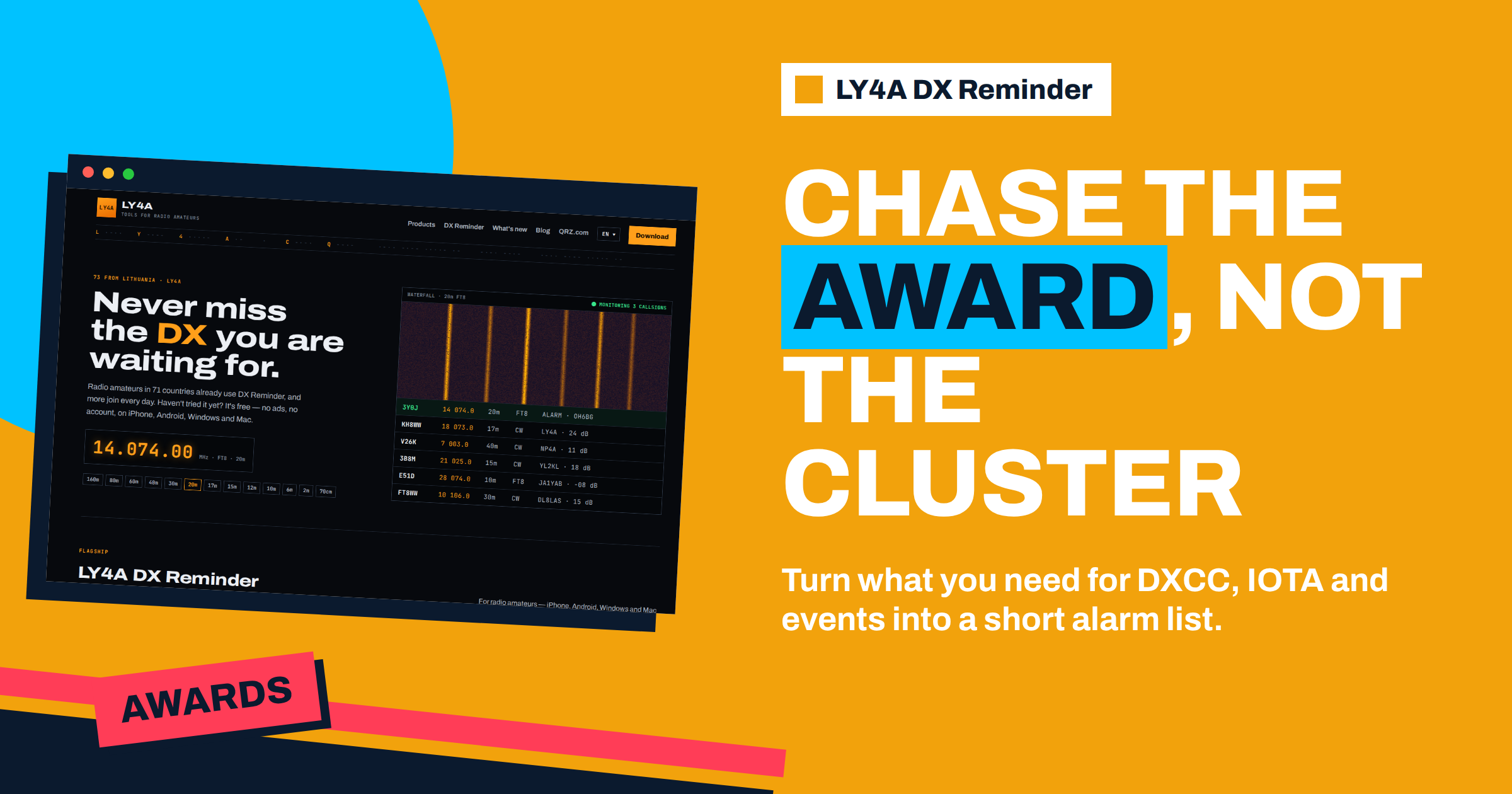
Award chasing is a long game. A DXCC certificate takes years, an island award can depend on one operation that comes once a decade, and a special-event award is open for a few weeks. The skill is not only in working the stations but in being there when they are on the air. LY4A DX Reminder watches for the callsigns that you give it and raises an alarm when one appears. This guide shows DX Reminder for award chasers: how to turn the needs of an award into a list of callsigns, how to choose the bands and modes that match the award rules, how to handle operations that last only a few days and how to keep the list tidy over the years. It follows what the project says about the app, and where an award has its own rules, you must check them with the organiser.
The Principle: Awards Need Entities, the App Needs Callsigns
An award speaks in the language of entities, islands, states and zones: “I need Bouvet”, “I need AS-123”. The app speaks in callsigns: it watches for one callsign on given bands and modes. The work of the chaser is the translation. Before an operation, a callsign is usually announced, and from then on the need can be expressed as a callsign. Between operations, there may be no callsign to watch, and you have to rely on the news and on the activity of known stations. So the method has two parts: build a short list of callsigns for the operations that are planned, and keep an eye on the news for the ones that are not. The article on the wanted list describes the first step for DXCC, and this guide extends it to other awards.
DXCC: Entities and Slots
The DX Century Club award counts confirmed entities. A chaser may be after the basic award, an entity on a specific band for a band award, or a specific mode. This is where the band and mode choice of the app matters, because it keeps bands and modes apart. For a new entity, you want an alarm on every band and mode that you can work. For an entity that you have on 20 metres, you want only the bands that you still lack. The guide to how DXCC works explains the categories, and the article on Club Log shows how to find the most wanted entities and how to request a card. A useful routine is the following.
- List the entities that you need, in order of priority.
- For each, find the active callsigns or the next announced operation.
- Enter each callsign in the app with the slots that you need.
- When you have worked and confirmed it, remove or switch off the reminder.
IOTA: Islands and Short Operations
The Islands on the Air programme groups islands, and an award is earned by contacts with stations on different groups. Many island operations are short: a team goes to a group for a weekend, or a single operator activates an island on a holiday. The callsign and the dates are announced in advance, often on a website or in a bulletin, and sometimes a day before. For an island chaser the schedule is everything, and an alarm is the best way to cover the hours that you cannot watch. The guide to IOTA for chasers and activators explains the groups and the rules. In the app, add the callsign with the bands and modes of the operation, and remember that the operators often work on several bands in a day. As the program usually counts any band and mode for the basic award, a wide set of slots is sensible, but check the current rules of the programme for what counts.
Special-Event Stations and Short Awards
A special event station operates for a limited period to celebrate an occasion, and it often offers an award or a certificate for those who work it, sometimes with a requirement of several contacts on different bands. These callsigns are announced in the news, and the operations can run for a few days or for a month. For an award that needs several contacts, a repeated alarm is valuable, since the station is on different bands at different hours. The article on planning a special event station gives the other side of the story. Add the callsign for the length of the event, then delete it when the operation ends, so that the list does not fill with old entries. If you are chasing a “worked all bands” requirement, choose all the bands that you can work, and let the alarm tell you which band is active.
Choosing Slots for Different Awards
| Award type | What you usually need | Slots to add |
|---|---|---|
| New DXCC entity | Any contact, then confirmation | All bands and modes you can work |
| DXCC band or mode award | A specific band or mode | Only that slot |
| IOTA group | Any band or mode (check the rules) | A wide set, since the operation may move |
| Special event award | Several contacts, sometimes on different bands | All bands you can work, for the length of the event |
| Yearly marathon-type chase | Countries and zones through the year | The callsigns of rare operations, in your usual modes |
The rules of each award decide what counts, so read them before you add the slots. The article on awards beyond DXCC and the guide to the CQ DX Marathon describe what the other awards ask for.
Short Operations: The Time Dimension
Most award operations are short, and your time is limited, so the timing is more important than the length of the list. Find the dates of the operation and mark them. If the operation is on a weekend and you are away, make sure that the alarm reaches you. If it is on a weekday and you are at work, the phone alarm lets you step out for a minute, and a quick contact in a lunch break is possible when the band is open. For an expedition, the first and the last days are often the best, as the operators are fresh at the start and have the last free hours at the end. Check the news for changes, since weather and logistics often change plans. If an operation is delayed, keep the reminder, as the app does nothing until the callsign appears.
A Year of Chasing: A Worked Example
Take an operator who is 20 entities short of a basic DXCC award and also collects island groups. In January he writes down the needs in a spreadsheet: ten entities that are on the most wanted list and ten more that are reachable with a decent signal. He reads the news each week and learns that a team will operate from a rare entity in March, with a callsign that is announced a month ahead. He adds the callsign to the app, with CW and SSB on all the bands his antennas cover, and marks the dates in his calendar. In April, an island expedition is announced for a weekend in May, with a callsign and a group reference. He adds that, too, and decides to turn on the alarm on the phone for the weekend, because he will be away from the radio. In June there is a special event station that runs for two weeks and offers an award for contacts on three bands. He adds the callsign for the length of the event, and the alarm helps him to catch it on 40, 20 and 15 metres in different hours. By the end of the year, he has worked six of the entities and three island groups and has used the app only when there was a callsign to wait for. The list never grew beyond ten entries, because each one was removed when its work was done.
Other Chases: States, Zones and QSO Parties
The same approach fits other awards, with the same limitation: the app watches callsigns, not places. For an award that needs every state, zone or county, you cannot ask for “any station from Wyoming”. What you can do is to add the callsigns of stations that you know are active from the places that you need, for example the stations that regularly take part in the QSO parties of a rare state, as in the guide to awards such as WAS, WAC and VUCC. Club stations and well-known operators in rare places are often active for years, so a small number of callsigns can cover a place that is hard to reach. Use the alarm for the few that are rare, and work the rest through normal cluster use and calling CQ. Do not try to cover every need with a callsign: the aim is a short list of the hard ones, and the common ones will come by themselves.
Keeping the List Tidy
A chaser can accumulate dozens of reminders over the years, and then the alarms lose their meaning. A few habits keep the list useful.
- Remove what you have finished. When a contact is confirmed, delete the reminder or switch it off. Switching a combination off keeps the frequency and the tolerance that you set for it, so it is easy to turn on again.
- Review once a month. Look at the list, remove the callsigns of operations that have ended and add the new announcements.
- Keep priorities. Put the rarest first and consider keeping a separate shorter list for the night.
- Keep a master list outside the app. A text file or a spreadsheet with the entities needed, the callsign, the dates and the status is the source of truth, since the app has no account to restore your list from.
Confirming and Recording
The alarm is only the first step. After the contact, record it in your log at once, with the correct callsign, band, mode and time in UTC, and check that it is in the right place for the award. Then confirm it. Many operations use Logbook of The World, and some use online request systems or QSL managers for paper cards. Keep a note of the confirmation status for each entity in your master list. Look at the programme’s own tracker if there is one, and compare it with your log, since errors are easier to correct while the operation is fresh in the minds of the operators.
Combining Awards With Other Tools
A callsign alarm works with the other tools of the chaser, not in place of them. The DX news bulletins tell you what is planned, as the guide to bulletins and the expedition calendar describes. Club Log shows the most wanted list and the state of operations. Your logger shows what you need on each band. The app joins these by watching the clusters while you do something else. Think of it as an assistant that waits for the callsigns that the other tools have found. And do not forget the pleasure of the chase: many chasers say that the moment of the alarm and the first call in the pileup is the best part of the hobby.
The Bottom Line
For an award chaser, DX Reminder is a quiet watcher for the callsigns behind the entities, islands and events that you need. Translate each need into a callsign as soon as it is announced, choose the band and mode slots that the award requires, mark the dates of short operations, and remove reminders when you have worked and confirmed the station. Keep a master list outside the app, review it every month and test the alarm, and you will be on the air for the few operations that matter to your awards.
Frequently Asked Questions
Can DX Reminder alert me to an entity or an island?
No. It watches the callsigns that you enter. For an entity or an island, add the callsign of the planned operation when it is announced.
Which bands should I choose for IOTA?
The bands and modes of the operation that you can work. IOTA usually credits any band or mode for the basic award, so a wide choice makes sense, but check the programme rules.
How do I handle a special event with a short award period?
Add the callsign for the length of the event, with all the bands you can work, then delete or switch it off when it ends.
Should I keep reminders for stations I have already worked?
Only for slots that you still need. Remove or switch off the rest so that the alarms stay meaningful.
What if an operation is postponed?
Keep the reminder. The app does nothing until the callsign appears, and it will alert you when the operation starts.
Do I need a list outside the app?
Yes, it is a good idea. There is no account to restore the list, so a text file or spreadsheet with your needs, callsigns and dates is useful when you change devices.