DX Reminder for VHF and UHF: Alerts for 6 m, 2 m and 70 cm Openings
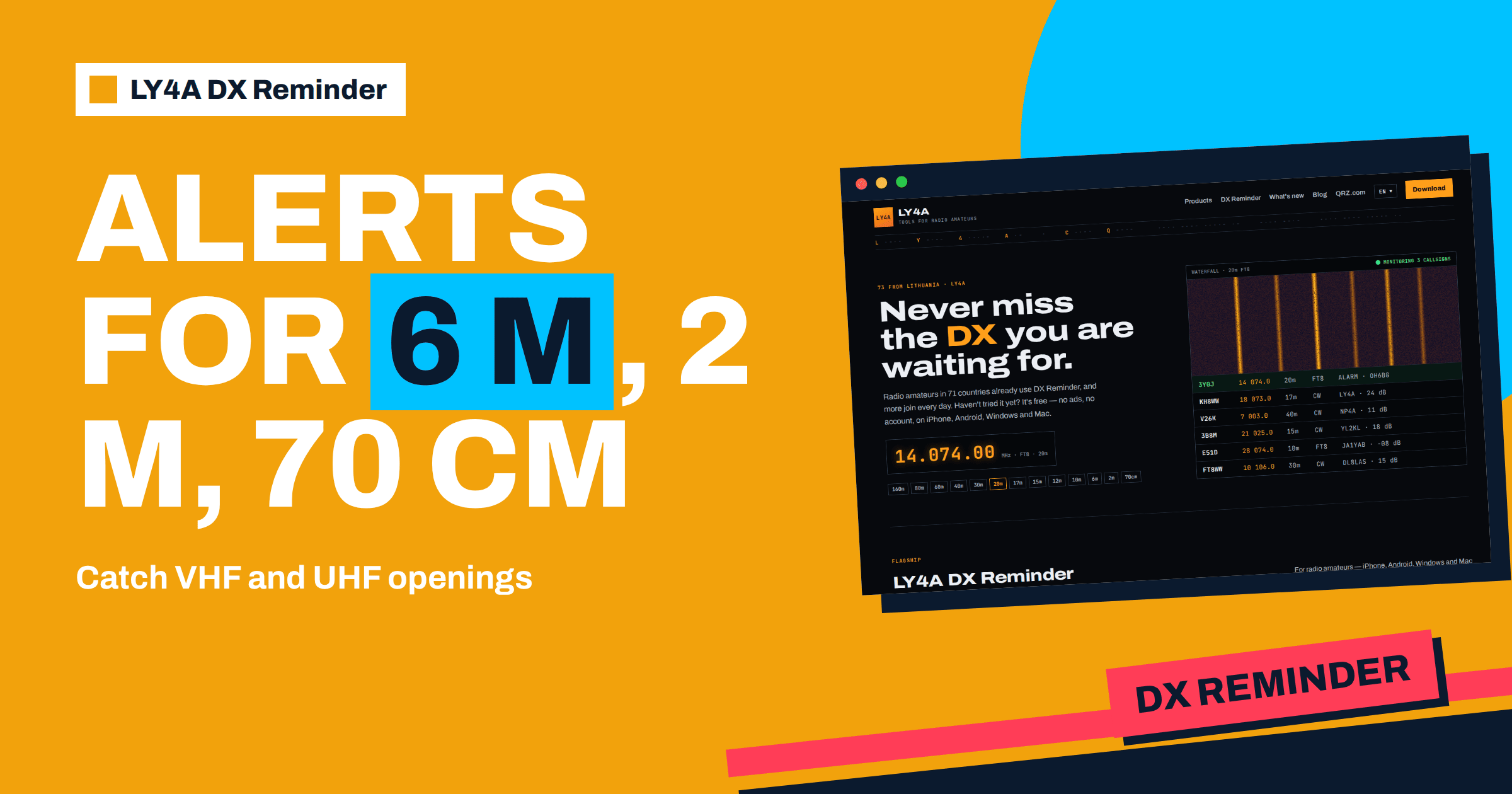
Most DX alerts are about HF, where stations appear for hours and the bands open and close on a daily rhythm. On the VHF and UHF bands the story is different. An opening on 6 metres can last ten minutes. A tropospheric duct on 2 metres can bring a station from a thousand kilometres away for an evening and then vanish. If you are not at the radio at that moment, the opportunity is gone. That is where an alarm earns its keep. LY4A DX Reminder covers not only the HF bands from 160 to 10 metres, including 60 metres, but also 6 metres, 2 metres and 70 centimetres. This article explains how to use DX Reminder for VHF and UHF: which cells to tick, which modes the app understands, what kind of openings to expect on each band, how to set the interval and what the app cannot do on these bands, so that your expectations match what it offers.
What the App Covers Above HF
The table of reminders in the app has thirteen bands: 160, 80, 60, 40, 30, 20, 17, 15, 12 and 10 metres, and then 6 metres, 2 metres and 70 centimetres. The modes are five: CW, SSB, FT8, FT4 and RTTY. Every combination of a band and a mode is a separate cell, and a cell rings only for its own combination. For the VHF and UHF bands that means that you can ask for 6 metres in FT8 and CW, 2 metres in SSB and 70 centimetres in FT8, as examples, and the app watches only those. The way the table works is described in the article on bands and modes.
The app watches five sources: DXScape, DXSummit, DXHeat, PSK Reporter and the Reverse Beacon Network. On VHF the most useful of these are the cluster services, where operators report stations on 6 and 2 metres, and PSK Reporter, which collects the reports of FT8 and similar digital modes. FT8 on 6 metres is very active, and it is one of the best uses of the app above 30 MHz. The modes that are special to weak-signal VHF work, such as the meteor scatter mode MSK144 and the Q65 mode for tropo and EME, are not among the five modes of the app, so spots in those modes will not ring a cell. Use the app for the modes that it supports, and keep your usual software for the others.
6 Metres: The Magic Band
Six metres is the band on which the app is most valuable, because openings are short and unpredictable. The main mechanism is sporadic E, in which small clouds of strongly ionised gas in the E layer reflect the signals. A single hop covers roughly 1,000 to 2,300 kilometres, and a multi-hop opening can reach much further. In the Northern Hemisphere the main season is in early summer, with a smaller peak around midwinter, and the openings come and go in minutes. The article on the 6 metre band and the one on sporadic E describe the patterns. Outside the season, 6 metres can be silent for weeks, and an alarm waiting for a specific callsign suits those quiet times, since you do not need to listen to an empty band.
A practical set for 6 metres is to add the callsigns that you want and tick FT8, CW and SSB for the band. FT8 is the most likely mode to produce a report on a weak opening, because the digital mode works with signals that you cannot hear by ear. Set the repeat interval to “on every new spot” or to one minute, because an opening may be short and each new report is a sign that it continues. The cost is more alarms during a busy opening, and you can switch to a longer interval when you are at the radio.
2 Metres: Tropo, Scatter and the Occasional Sporadic E
On 144 MHz the usual mechanisms are tropospheric propagation, in which temperature inversions form ducts that carry signals far beyond the horizon, meteor scatter and, on rare occasions, sporadic E. Tropospheric openings, described in the article on tropospheric ducting, are most common in the summer and early autumn in the evening and morning hours, and they last from a few hours to several days. The distance depends on the extent of the duct and the antennas, and it can reach 500 to 1,500 kilometres or more. Meteor scatter, covered in the article on MSK144, uses bursts of a few seconds, and its mode is not supported by the app. Add the stations that you hope to work, such as regular beacons or known stations in the next country, tick SSB, CW and FT8 on 2 metres, and set a longer interval, such as 10 to 30 minutes, because tropo openings last longer than sporadic E bursts.
70 Centimetres: Local Activity and Rare Ducts
On 432 MHz, the activity is smaller and the openings depend almost entirely on tropospheric ducting, in addition to satellites and EME for those with large antennas. The band, discussed in the article on 70 centimetres, is dominated by FM repeaters and local simplex, so the number of DX stations is small and spots are rare. That is a reason for an alarm. If a distant station appears on 70 centimetres during a duct, the report may be the first clue that the band is open at all. Add a few callsigns that you know to be active on the band, tick the cells for SSB and FT8, and set a longer interval.
Suggested Settings at a Glance
| Band | Typical opening | Duration | Modes to tick | Interval suggestion |
|---|---|---|---|---|
| 6 m | Sporadic E, sometimes F2 near solar maximum | Minutes to a few hours | FT8, CW, SSB | On every new spot, or 1 minute |
| 2 m | Tropo duct, meteor scatter, rare sporadic E | Hours to days for tropo | SSB, CW, FT8 | 10 to 30 minutes |
| 70 cm | Tropo duct, satellite passes | Hours for a duct | SSB, FT8 | 30 to 60 minutes |
These values are starting points. Adjust them to your own experience and to the number of alarms you can accept. The interval applies to one callsign, band and mode, so a short interval on 6 metres does not make the 2 metre cell ring more often.
What to Watch: Stations, Beacons and Rare Squares
The app watches callsigns, so decide which callsigns to add. On VHF there are three useful categories. The first is the active DX operators on the band, such as those who regularly run FT8 on 6 metres from distant places or who are known for being active in openings. The second is beacons, which transmit continuously on fixed frequencies. A beacon that you add can ring when it is reported by a source, and its appearance on a distant band shows that the band is open. The reports on beacons depend on the sources, so test with a known beacon before you rely on it. The third is rare grid squares and countries, which matter for awards such as the VUCC described in the article on awards beyond DXCC. For these, an expedition to a rare grid on 6 metres has a callsign and a schedule, and the app brings the alarm. Maidenhead locators are explained in the general overview of the Maidenhead locator system.
Using the Alarm Together With Your Own Receiver
On VHF and UHF, a spot is a hint, not a guarantee that you can work the station. A report from a receiver in another country tells you that the signal exists, and your own antenna decides whether you hear it. When the alarm rings, turn the beam towards the station, check the frequency and listen. If you hear the signal, call at once, since openings do not last. If you hear nothing, wait a few minutes and listen again, because sporadic E clouds move and the opening may reach you later. A software-defined receiver and a waterfall, such as those described in the article on the panadapter, make it easy to see weak signals that the ear misses. For weak-signal modes that the app does not cover, run your own decoder in the background, and use the app for the callsigns and the modes that it supports. The two tools complement each other, and the app gives you the early notice that sends you to the right place.
Limits to Keep in Mind
- Spots depend on spotters. On 6 metres in the season, there are many receivers, and on 70 centimetres there are few. A rare opening may produce no report at all.
- Supported modes only. MSK144, Q65, FM and others are outside the five modes, and their spots do not ring a cell.
- The app does not predict openings. It tells you that a callsign was reported, not that conditions will improve. For forecasts, use propagation tools.
- Alarms need a plan. A short interval on a busy band can ring often. Use a longer interval when you are working, and test the alarm as described in the article on the alarm settings.
- Antennas matter. An alarm for 70 centimetres is useless without an antenna that can hear the DX. Horizontal polarisation and a beam help on the weak-signal parts of these bands.
Seasons and Expectations
The time of year matters for VHF more than for HF. In the Northern Hemisphere, sporadic E on 6 metres peaks from May to August, and a second, smaller season falls around December and January. Tropospheric openings are strongest in summer and early autumn, when warm air sits over cooler air in high-pressure weather, and they are rarer in winter. Meteor showers add short bursts in particular weeks of the year. Outside the season, the alarms will be few, and that is normal: a cell that rings twice in a winter is doing its job. Do not remove the callsigns of your key targets just because the band is quiet, but do review them every few weeks and remove those whose operations have ended. A tidy list with a small number of well-chosen entries gives the best chance of an alarm that matters.
A Short Example for a Summer Evening
It is late June, and 6 metres has been showing signs of life. You add three callsigns, a regular FT8 operator in southern Europe, a beacon on 50 MHz and an operator in the Caribbean who is known for transmitting in openings, and tick FT8 and CW for 6 metres with the interval at one minute. For 2 metres, you add a station in the neighbouring country that often appears when tropo is up, tick SSB and CW and choose 30 minutes. At nine in the evening, the phone rings for the beacon: the band is open to the south. You go to the radio, call CQ in FT8 and make five contacts in twenty minutes, before the opening fades. You would not have known without the alarm.
The Bottom Line
DX Reminder for VHF and UHF uses the 6 metre, 2 metre and 70 centimetre rows of its table, with the five modes CW, SSB, FT8, FT4 and RTTY. The app is most useful on 6 metres, where sporadic E openings are brief and FT8 reports are plentiful, with a short repeat interval. On 2 metres and 70 centimetres, tropospheric ducts last longer and a longer interval suits them. Choose callsigns that matter, such as regular DX operators, beacons and expeditions to rare squares, keep the cells precise and remember that weak-signal modes such as MSK144 and Q65 are not supported. Used this way, the app lets you sleep, work and live while it waits for the short window in which the band opens.
Frequently Asked Questions
Does DX Reminder work on 6 m, 2 m and 70 cm?
Yes. These three bands are in the table of thirteen bands, together with the HF bands from 160 to 10 metres, and you tick the modes you want for each.
Which modes can I choose on VHF and UHF?
The same five as elsewhere: CW, SSB, FT8, FT4 and RTTY. Modes such as MSK144 and Q65 are not among them.
What repeat interval is best for sporadic E on 6 m?
A short one, on every new spot or every minute, because openings are brief and each new report shows that the band is still open.
Can I watch a beacon to know when the band opens?
You can add its callsign, and the app will ring when a source reports it, but test it first, since the reports depend on the spotters.
Why does my 70 cm cell almost never ring?
The band has few DX stations and few spotters, so spots are rare. The alarm will matter during a tropospheric duct.
Does the app forecast openings?
No. It reports that a callsign was spotted. Use propagation tools and watch the weather for forecasts.