DX Reminder Privacy: What Stays on Your Device and What Is Sent
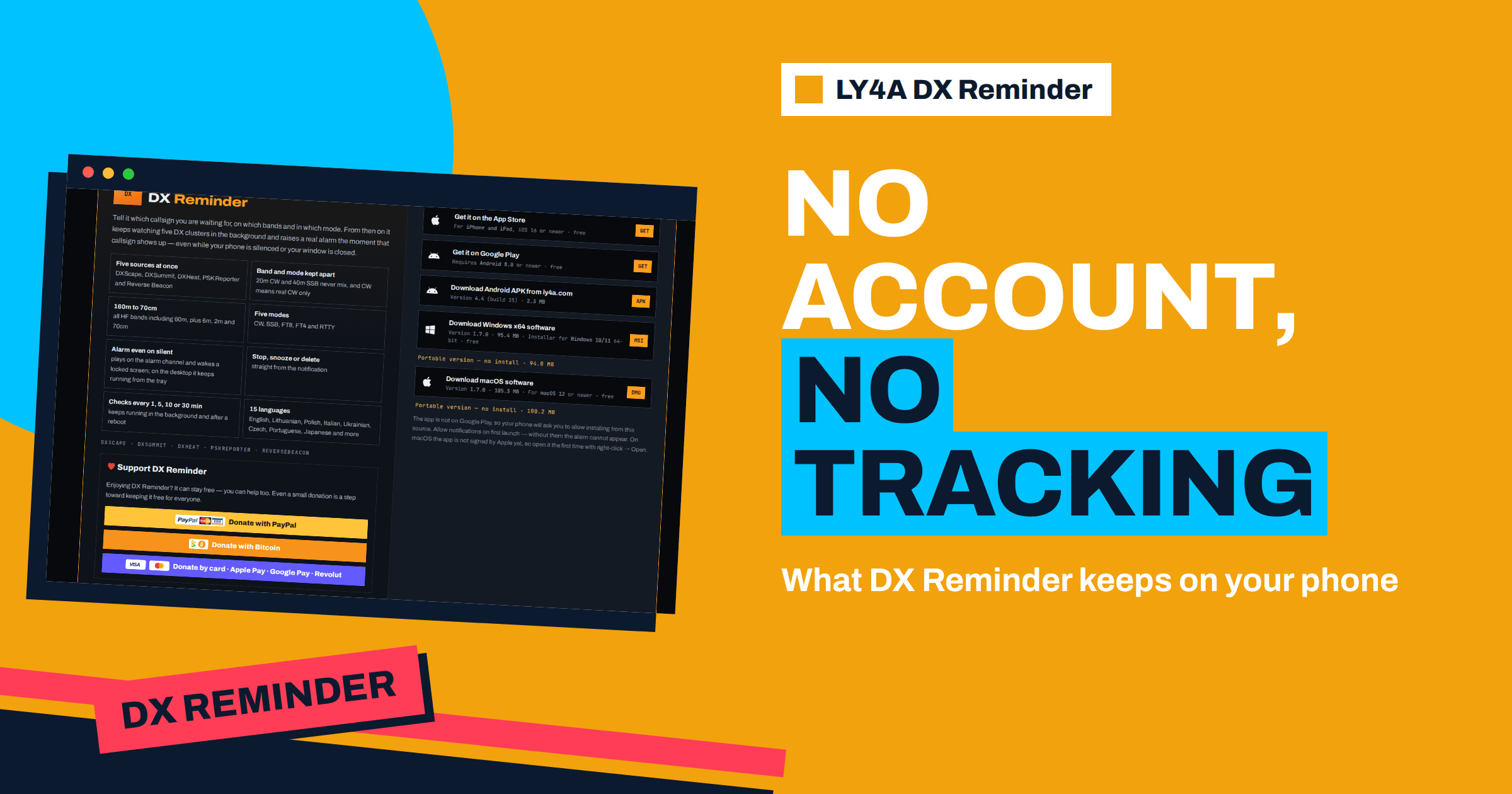
A callsign is not a secret. It is printed in public databases, shouted across the bands and listed on QRZ. Yet the list of callsigns you are waiting for says something about you: which countries you chase, how serious your hunt for a new DXCC entity is, and when you are at the radio. That is why DX Reminder privacy deserves a plain explanation before you install an app that watches the DX clusters on your behalf. This article walks through what the Android, Windows, Mac and iPhone versions keep, what they send and to whom, how the iPhone version differs because of the way Apple handles background work, and how to remove everything. The facts come from the privacy page on ly4a.com, which is the authoritative text and is dated 4 September 2026.
The Starting Point: There Is No Account
DX Reminder asks for no e-mail address, no name, no password and no sign-up. You install the app, type the callsigns you want to hear about, choose bands and modes, and the watching begins. This is a design decision, not an omission. Without an account there is nothing to leak, nothing to reset and nothing to delete on a server, because there is no profile to attach the data to. The privacy page states it in its first sentence: the app has no accounts.
The second design decision follows from the first. The Android, Windows and macOS apps have no server of their own. Everything the app needs, it keeps on the device, and everything it needs from the outside world it asks for directly from public services. The iPhone app is the one exception, for a technical reason explained below.
What the Apps Keep on the Device
The apps store four things in their own private storage on your phone or computer:
- the callsigns you are watching;
- the bands and modes chosen for each of them;
- your settings, such as the alarm interval, the sound and the language;
- the spots already seen, so that the same station does not ring twice for no reason.
None of this is sent anywhere. It lives in the app’s storage like the saved levels in a game. If you reinstall on the same device and the storage is kept, the data comes back; if you remove the app, the data goes with it. The changelog states that your callsigns and reminders survive updates, which is a statement about the same local storage: an update replaces the program but leaves the data alone.
What the Apps Send: Questions to Public Services
To learn whether a callsign is on the air, the app has to ask. It asks the same public services that a person would open in a browser: DXScape, DXSummit, DXHeat, PSK Reporter and the Reverse Beacon Network. The article on the five sources describes what each of them reports. From a privacy point of view the important detail is the content of each request: it carries the callsign being looked for. Nothing more is attached by the app.
The services see what any web server sees, namely the request and the internet address it came from, and they treat it according to their own rules. This is the same as opening a cluster page in a browser, with the difference that the app does it on a schedule. The privacy page says that nothing else leaves the device, and adds three negatives that matter: the apps contain no analytics, no crash reporting and no advertising. There is no hidden channel that reports how often you open the app, how long it runs or when it fails.
The live PSK Reporter feed deserves a note. It works through a publish-and-subscribe protocol called MQTT, and the app listens for reports about the callsigns you watch (the article about the live feed explains the speed advantage). That is again a direct connection from your device to a public broker, with no DX Reminder server in between, and it can be switched off in the settings under the sources.
Why the iPhone Version Is Different
An iPhone does not let an ordinary app keep running in the background and ask a web service every minute. Apple allows background activity only in narrow, controlled forms, and a loop that polls clusters is not one of them. So an iPhone app cannot do by itself what the Android and desktop versions do. The solution is to move the watching to a server and let the server wake the phone through Apple’s own channel for notifications, the Apple Push Notification service. The server in this case is ly4a.com. The article on iPhone push alerts follows the whole path from spot to screen.
This is the only place where DX Reminder data leaves your device for a server of the project, and the privacy page lists it exactly. The iPhone app sends ly4a.com:
- an anonymous device identifier issued at first launch;
- the notification token that Apple assigns to the phone;
- the language;
- the callsigns you watch with their bands and modes;
- your alarm settings.
That is everything. There is no e-mail address, no name and no account, and none of the items identifies you as a person. The identifier is a random label created by the app; the notification token is an address that only Apple can use to reach the phone. The site checks the clusters every minute for the callsigns on its list, and when a match appears it sends the alarm through Apple’s push service. The matched spots are kept so that the app can show them in its list.
The record is not kept forever. According to the privacy page, the record of a phone that has not been seen for six months, or whose token Apple reports as no longer valid, is deleted automatically. A token becomes invalid when the app is removed from the phone, so deleting the app leads to cleanup without any action on your part. If you want it sooner, the page says the record can be removed at once on request.
Data Flows at a Glance
| Version | Where the callsign list lives | What leaves the device | Who watches the clusters |
|---|---|---|---|
| Android | On the phone only | Requests for the callsigns to public cluster services | The app itself, in the background |
| Windows | On the computer only | The same requests, plus the PSK Reporter live feed | The app, from the tray |
| macOS | On the computer only | The same requests, plus the PSK Reporter live feed | The app, from the tray |
| iPhone | On the phone and on ly4a.com | Anonymous identifier, Apple token, language, callsigns, bands, modes, alarm settings | ly4a.com, once a minute |
The table shows the trade-off. On Android and desktop, the data never leaves the device except as questions to public services. On iPhone, the platform rules require a server, and the project has limited what the server receives to what it needs for the alarm.
The Donation Button and the Website
The app and the website carry a donation option. The privacy page explains that the button opens PayPal’s own page, and only if you press it. Neither the apps nor ly4a.com ever see payment details. Nothing is loaded from the payment services until you press the button, so simply viewing the page does not contact them.
The website itself uses one cookie, named ly4a_lang, which remembers the language you picked and lasts a year. Nothing else is stored in the browser. The site counts downloads, but only three facts: the total, the platform and the country. To find the country, the visitor’s address is passed to a public lookup service, and this happens only when a new download is counted. The address itself is never written down. What is kept is a short irreversible hash, deleted after six hours, whose only job is not to count the same person twice. A cryptographic hash cannot be turned back into the address, so the data cannot be used to identify a visitor. The small flags in the language row are images loaded from another service, so that service sees the address of anyone who loads the page; the privacy page says so openly. The share buttons are ordinary links that load nothing until pressed, and there is no analytics and no advertising on the site.
Reading the Policy as an Operator Would
A privacy text is useful only if you can check it against what you see. Three checks are easy. First, look at the app’s permissions on your phone: a program that needs only the network, notifications and alarm scheduling does not need access to contacts, location or the microphone, and a watcher of DX clusters should not ask for them. Second, look at the notification setting. Without permission for notifications the alarm cannot appear, which is why the first launch asks for it, and that permission is about showing alerts, not about collecting data. Third, think about what happens if the service is gone. On Android and desktop, the app keeps your list locally, and the sources are independent public services, so the app has no single operator whose disappearance would take your data with it.
The model also explains some design choices that look inconvenient at first. There is no cloud synchronisation of your list between phone and computer, because there is no account to hold it. If you use DX Reminder on a phone and on the shack computer, you enter the callsigns on each device. That is a small price for not having an account, and the setup guide shows that adding a callsign takes seconds.
Deleting Your Data
Because the data is kept on the device, deleting it is simple. Uninstalling the app removes everything it stored, on a phone and on a computer alike, and there is no copy anywhere else. On ly4a.com there is nothing tied to a person that could be deleted, since the site holds no accounts and the download counter keeps only totals. On iPhone, removing the app makes the Apple token invalid, so no more alarms can be sent, and the record on ly4a.com is removed automatically or immediately on request. For any question about privacy, the privacy page suggests writing to LY4A through the QRZ page of the callsign.
What This Means for Your Choice of Device
If minimal data exposure matters most to you, the Android and desktop versions are the most self-contained: the server of the project never sees your callsign list. The iPhone version is the right choice when an iPhone is the device you carry, and its server-side design is the only way to give an iPhone reliable alarms. In both cases the list of data is short and described in the open. It is worth keeping in mind that every approach to DX alerts involves some outside party: a spotting website sees your browser’s requests, a mobile push service sees the delivery of a notification, and a cloud logging service sees your log. The difference lies in how few parties there are and what they can learn.
The Bottom Line
DX Reminder privacy rests on a few plain facts. There are no accounts. The Android, Windows and macOS apps keep your callsigns, bands, modes, settings and seen spots on the device and send only the callsign being looked for to the public services DXScape, DXSummit, DXHeat, PSK Reporter and Reverse Beacon. The apps contain no analytics, crash reporting or advertising. The iPhone version sends an anonymous identifier, Apple’s notification token, the language, the watched callsigns with bands and modes, and the alarm settings to ly4a.com, because iPhone cannot watch in the background. Removing the app removes the data, and stale iPhone records are deleted automatically after six months or when Apple invalidates the token.
Frequently Asked Questions
Does DX Reminder need an account or an e-mail address?
No. There is no sign-up and no e-mail. You enter callsigns, bands and modes in the app and it starts watching.
Where is my list of callsigns stored?
On Android, Windows and macOS it is stored only on your device. On iPhone it is stored on the device and also on ly4a.com, because the site does the watching for the phone.
Does the app contain analytics or advertising?
No. The privacy page states that the apps have no analytics, no crash reporting and no advertising, and the website has no analytics or advertising either.
What does the iPhone app send to ly4a.com?
An anonymous device identifier, the notification token assigned by Apple, the language, the callsigns with their bands and modes, and the alarm settings. It does not send a name or an e-mail address.
How long does ly4a.com keep an iPhone record?
The record of a phone not seen for six months, or whose token Apple reports as invalid, is deleted automatically. You can also ask for it to be removed at once.
How do I remove all my data?
Uninstall the app. On Android, Windows and macOS this removes everything the app kept. On iPhone, deleting the app invalidates the token and the record on ly4a.com is removed.