DX Reminder for the Low Bands: 160, 80, 60 and 40 m Alerts
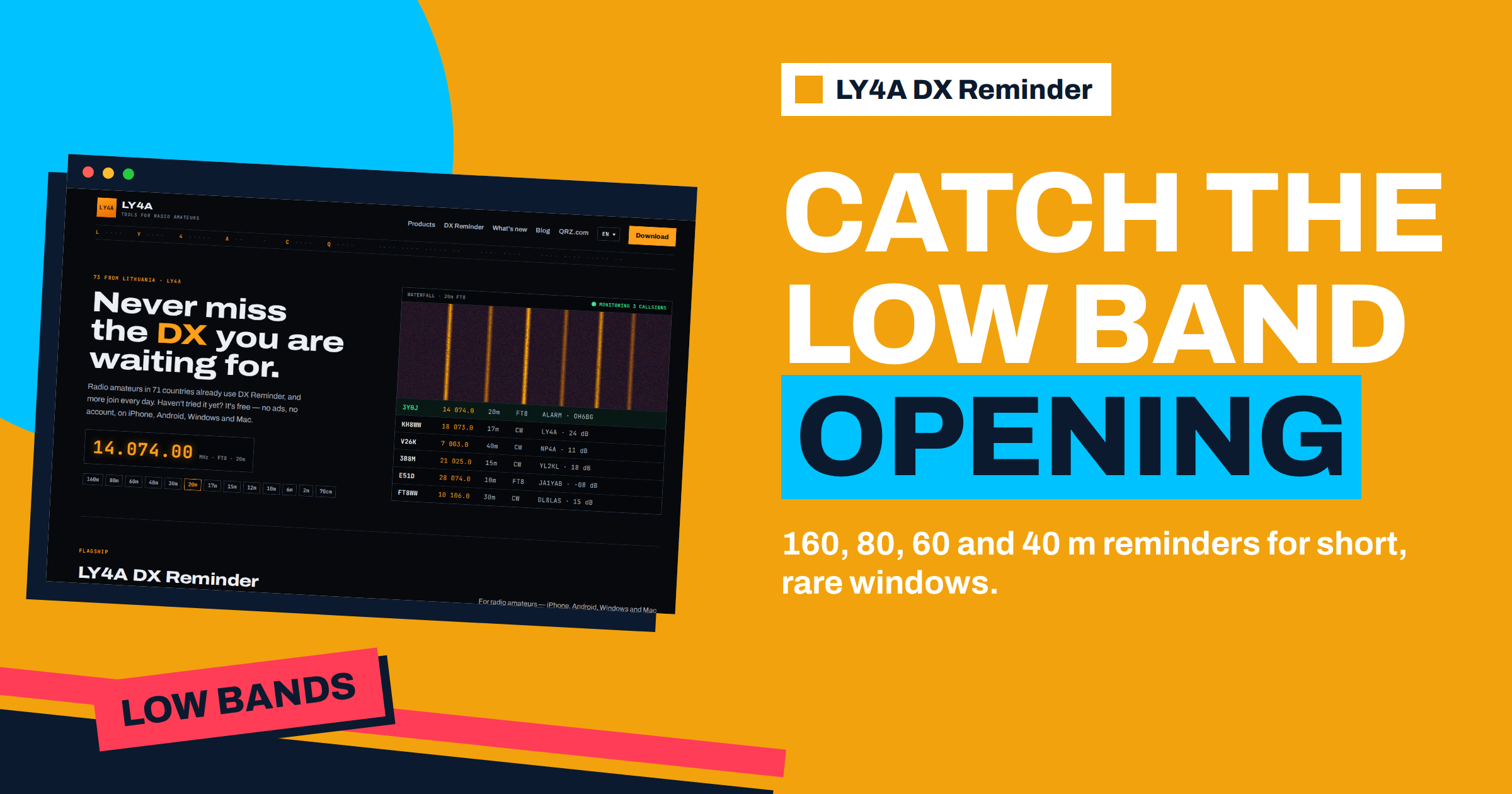
The low bands are where patient chasers earn their entities. On 160, 80 and 40 m the openings are short, the noise is high and a rare station may be audible for only twenty minutes around a sunrise. That is exactly the situation in which an alert tool is most valuable, and also the situation in which a badly set one is most annoying. This guide explains how to use DX Reminder low bands settings well: how the thirteen bands and five modes of the app map to the low bands, which modes to tick on each one, how to use the frequency and the tolerance of a combination to listen only to the DX window, how to time the reminders to the grey line and how to read a low-band alert without being misled. The app watches five sources in the background, so you can sleep, work or operate another band while it waits.
Why the Low Bands Need Their Own Thinking
On the higher bands a rare station is often workable for hours. On the low bands the path is open only when it is dark along the whole route, and the best moments are the sunsets and sunrises at the two ends, the time known as the grey line. A good opening may last half an hour. Meanwhile the noise on the low bands is high, with static from distant thunderstorms and local interference, so many stations that are spotted are too weak to work. The article on 160 m DXing explains how demanding this band is, and the guide to the 80 m band describes the same for the band above it.
This has two consequences for alerts. First, an alert for a low band is more valuable than for a high band, because the window is short and a few minutes of delay can decide the matter. Second, the alert has to be accurate, because a false alarm at night is expensive. The thing that makes the app accurate is the table of combinations, where every band and every mode is a switch of its own.
The Low-Band Rows of the Table
The table of a callsign has thirteen bands, from 160 m to 70 cm, and five modes, CW, SSB, FT8, FT4 and RTTY. The band is named once on the left and the modes stand in columns, so one line answers the question of what is switched on for a band. For the low bands you decide which modes are realistic. The table below gives the usual choices, and your own station and licence may suggest others.
| Band | Modes worth ticking | Note |
|---|---|---|
| 160 m | CW, FT8 | Most DX activity is CW and FT8, and SSB is rare |
| 80 m | CW, SSB, FT8 | A busy band with all three modes in use |
| 60 m | FT8, CW | Rules differ by country, so check what you may use |
| 40 m | CW, SSB, FT8 | Open longer, with DX at night and in the early morning |
The 60 m band was added to the app together with FT4 in version 3.3, and it is worth a special note. The band is allocated in a different way in different countries, with channels in some places and a segment in others, as the article on the 60 m band explains, so tick only the modes that your own licence and the local rules allow you to work. The overview of the 60 m band shows how much the rules vary. The other modes can stay off, and the table keeps their settings if you switch them on later.
Frequency and Tolerance for the DX Window
Every combination of band and mode can carry an exact frequency and a tolerance. On the low bands this is a powerful filter. The reason is that DX on 160 and 80 m is concentrated in narrow parts of the band, which the band plan reserves or recommends for intercontinental work, while the rest of the band is busy with local activity. If you set a frequency in the DX window and a tolerance of a few kilohertz, the combination only rings for spots near that frequency, and you are not woken by a nearby station that is calling CQ in the domestic part of the band. The details of the band plan are in the overview of the 160 m band and in the IARU plan for your region.
A filter must be used with care. A rare station operating split may be spotted on a frequency a little outside the window, and a too narrow tolerance would hide it. Choose a tolerance that is wide enough for the real DX segment, and keep the filter off for a DXpedition that announced its frequencies, where you can set the announced frequency and a small tolerance instead. When you switch a combination off, the app keeps its frequency and tolerance, so you can use a tight filter for a contest weekend and return to a plain reminder later by clearing the fields. The article on the band and mode table shows these fields.
Timing With the Grey Line
Because the openings are short, think about when they are likely. The grey line is the belt of the Earth where it is sunrise or sunset, and low-band signals travel along it with unusually little loss. For a station in Europe, the best chances to hear the Pacific are around local sunrise, and the best chances for the Americas are around the time of sunset in the west and sunrise at home. The article on the grey line describes the effect. You can calculate the times with a program or a website, and with a good idea of the times you can decide when to be at the radio and when to let the alarm do the watching.
The app does not know the hours of your sleep, and it is a real alarm that plays on the alarm channel and wakes a locked screen. For a chaser who wants to sleep through the night, the practical approach is to keep the combinations on only for the bands and modes where the entity is worth waking for, and to switch the rest off. Remember also that the interval of the check can be 1, 5, 10 or 30 minutes, and that a short interval is better for the short openings of the low bands.
Reading a Low-Band Alert With Care
A low-band alert is a hint and not a promise. The notification shows the frequency and the mode of the spot, and since Android version 4.2 also the spotter and the source. On 160 and 80 m CW, many of the spots come from skimmer receivers that listen with large antennas in quiet locations, and a signal that a skimmer decodes may be inaudible at your station. Look at the spotter, and compare its location with your own. A skimmer in your own region reporting a station is a better sign than one on the other side of a continent. The source also tells you whether a report was typed by a person or decoded automatically.
Noise is the other reason for caution. The list of amateur allocations shows where the low bands sit, and the guide to QRN explains why thunderstorms in the tropics can raise the noise floor for hours. On a stormy evening a station that is spotted may be buried in your noise. The alert is still useful, because it tells you where to listen, and the decision to stay up for it is yours.
Band-by-Band Notes
Each of the four bands has its own character, and the reminders should reflect it. On 160 m, openings are the shortest and the noise is the highest, so a short check interval and a narrow focus on the DX window pay off. The band rewards patience, and an alert that comes once a week may be enough to make a new country over a season. On 80 m the activity is greater, and the band is open for long hours at night, so most chasers keep CW, SSB and FT8 ticked and rely on the table to keep the unwanted combinations quiet. The band is also where many DXpeditions spend time, since it is a staple of the all-band award chase.
On 60 m the activity is smaller, and the rare entities that appear are often on FT8 or CW. Because many countries limit the allocation, a chaser should check which stations can be worked from their own country, and not only whether the station is on the air. On 40 m the band is open for long periods, with DX at night and in the early morning, and the table of a typical chaser has more modes ticked there than on the other low bands. The article on the sunrise equation shows how sunrise and sunset times are calculated, and it is a start for anyone who wants to plan around them rather than use a website.
Receive Setup Matters as Much as the Alert
An alert only tells you that something is on the air. Whether you can hear it depends on the receiving antenna and the noise level of your location. Many successful low-band chasers use a separate receive antenna, such as a loop or a Beverage, that is quieter than their transmit antenna, and they listen on it when the alarm rings. If you do not have one, a simple change such as moving the antenna away from the house wiring, or switching off the sources of noise at night, can improve the signal-to-noise ratio noticeably. A reminder that is set well and a receive system that is quiet make a pair, and neither is useful without the other. The same logic applies to the filter of the receiver, since a narrow CW filter in the radio on 160 m can make the difference between hearing and not hearing a weak call.
A Sample Setup for a Low-Band Season
Suppose you need a rare entity on 160 m and 80 m CW, and the best months for it are the winter ones. You add the callsign, tick CW on 160 and 80 m, and tick FT8 on the same bands if you run digital modes. You set the frequency of the DX window on 160 m with a tolerance of a few kilohertz. You choose a check interval of one minute and an alarm interval of ten minutes, so that a station that stays on does not ring every minute. You put the phone away from the bed if you do not want to wake for every spot, or you keep it by the bed if you want to be woken, and you test the alarm once before the season starts. After the entity is worked, you delete the reminder or switch it off. This simple routine gives a long season of chasing with very little effort.
The Bottom Line
On the low bands the windows are short and the noise is high, so alerts must be precise. Tick only the realistic modes on 160, 80, 60 and 40 m, use the frequency and tolerance to hear the DX window and not the domestic part of the band, time your attention to the grey line and read each alert with its spotter and source in mind. DX Reminder watches the five sources in the background, so the low-band chase can run while you do something else, and the alarm calls you when the window opens.
Frequently Asked Questions
Which modes should I tick on 160 m?
CW and FT8 are the usual choices, because most DX activity on the band is in these modes. Tick SSB only if you are chasing a station that is known to use it, since it is rare on the band.
What does the tolerance do?
If you set an exact frequency for a combination, the tolerance sets how far from that frequency a spot may be and still ring the alarm. On the low bands it keeps the alarm for the DX window and ignores spots in other parts of the band.
Does the app support 60 m?
Yes. The 60 m band was added in version 3.3 of the Android app and version 1.3 of the desktop apps. Rules for the band differ by country, so tick only the modes that your licence allows.
Will the alarm wake me at night?
Yes, if a combination you ticked is spotted. The alarm plays on the alarm channel and wakes a locked screen even when the phone is silent. Tick only the combinations worth waking for, and switch the others off.
Why can I not hear a station that the alert reports?
The report may come from a receiver in a quiet location with a large antenna, which hears signals that are buried in your noise. Check the spotter in the alert, and compare its position with yours before you spend a long time on the band.