DX Reminder at a Club Station: One Tray App for the Shared Shack
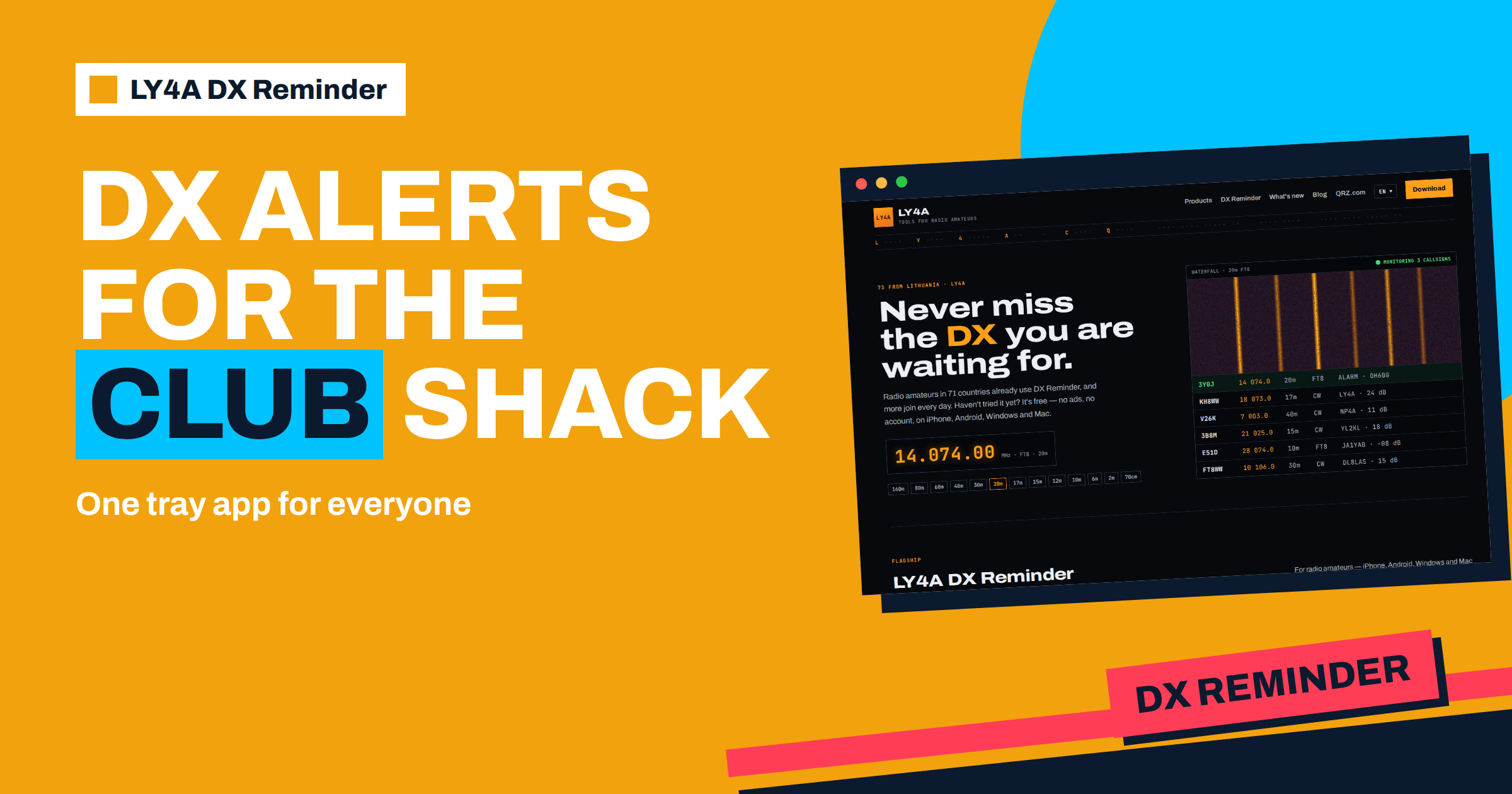
A club station is busy in bursts. On Tuesday evening, five members are in the room and the bands are quiet. On Saturday afternoon, a rare DXpedition appears for twenty minutes, and nobody is there. The easiest way to bridge the gap is a program that watches the DX clusters on the club computer, knows the callsigns that the club cares about and raises an alarm when one of them is spotted. That is what the desktop version of DX Reminder at a club station does. It runs from the system tray of the Windows or Mac computer that already sits next to the radio, it keeps one list of wanted callsigns for the shack and it needs no account, so there is nothing for the club to register or to pay attention to except the list itself. This article explains how to set it up, how to organise the list, what the portable build is good for and which simple rules make it work in a group.
Why a Club Station Needs an Alarm
A club station has a particular problem: its operators come and go, and nobody has the time to watch a DX cluster page. A club of radio amateurs that takes part in contests or in an award chase needs to know quickly when a station it needs is on the air, so that whoever is in the room can go to the radio. The alarm can also draw people to the club on a day when the news is good, which is a modest but real way to keep the station alive. Instead of a tab in a browser that someone must remember to look at, the app watches in the background and speaks only when something it was told to watch for appears. The principle is the same as the one the article on automating DX spot alerts describes, applied to a shared computer.
Which Download to Choose
The home page of ly4a.com lists the versions of the desktop app. For Windows there is an installer in the form of an MSI file for Windows 10 and 11, 64-bit, of about 95 megabytes, and a portable version of about 94 megabytes that needs no installation. For Mac there is a disk image for macOS 12 or newer, about 105 megabytes, and a portable version of about 100 megabytes. The current desktop version is 1.7.0. For a computer that stays in the shack, the installer is the natural choice: it creates a Start menu entry and a desktop shortcut, and the program starts as a normal application. The first launch brings the warnings that unsigned software always brings, which the page explains: on Windows, click More info and then Run anyway, and on a Mac, open the app with a right-click and Open, or use Open Anyway in the privacy settings. These are one-time steps, and the article on the desktop version walks through them.
The Tray: Closing Is Not Quitting
The behaviour that matters most for a shared computer is that closing the window of the app does not stop it. The app keeps watching from the system tray, and it is quit from the tray menu. This is important in a club: a member who closes the window to tidy the screen does not switch off the alarm by accident. Make this a point in the club’s operating notes: “Do not quit DX Reminder from the tray.” Leave the program running whenever the computer is on, and have it start with the computer, so that after a power cut or an update the watching resumes without anyone doing anything.
Another point concerns the computer itself. A computer that goes to sleep after fifteen minutes cannot watch the clusters. Set the power options of the shack computer so that it does not sleep while the club is open, or leave it on as a dedicated machine, if the club has one that is used for logging and digital modes. A small, low-power computer left on all week for the purpose is a perfectly good solution.
One List for the Whole Club
The app has no accounts, and the callsigns and reminders live on the device. For a club this has a clear consequence: the computer in the shack holds the club’s list, and everyone who sits down at it sees and uses the same list. That is simple and it avoids arguments about whose settings apply. The cost is that the list is as good as the people who keep it, so decide who maintains it. A common solution is a short written policy.
- A keeper. One or two members are responsible for the list. Others can propose callsigns through a notebook or a message group.
- A purpose. The list is for the club’s goals: a DXCC award chase, a special event, a contest multiplier or a set of stations the members have asked for. Each entry has a name next to it in the notes, so you know why it is there.
- A weekly review. Remove callsigns that are worked, expeditions that have ended and entries nobody needs. A long list is a noisy list.
- Precise cells. Tick only the bands and modes that the club’s antennas and operators can use, so that an alarm is always worth an action.
The bands and modes table, with thirteen bands and five modes, helps with the last point, because a club that has a beam for 20 to 10 metres and a wire for the lower bands can choose the cells accordingly. The article on bands and modes explains how each cell works, and the one about the five sources shows what the program watches.
Who Does What
| Role | Task | How often |
|---|---|---|
| List keeper | Adds and removes callsigns, sets bands, modes and the interval | Weekly, and before events |
| Station manager | Keeps the computer awake, updated and connected | Monthly check |
| Duty operator | Responds to alarms during opening hours and logs contacts | Every session |
| Any member | Suggests a callsign with a reason, in the notebook or the group | Whenever needed |
Even a tiny club can share the roles between two or three people, and writing them down prevents the common failure in which the list is nobody’s job and slowly fills with expired entries. A callsign that is in the list should have a reason and an end date, and the keeper’s task is to remove it when the date passes.
Live Reports on the Desktop
The desktop app has one advantage over the others that suits a club station with a good internet connection: the PSK Reporter feed arrives live. Since desktop version 1.5 the app listens to the reception reports over MQTT and hears a callsign within seconds of a receiver reporting it. If the connection is not available, it returns to ordinary queries on its own. The alarm interval also works on the computer, so the same station does not ring all afternoon: you choose between every new spot and intervals from 1 to 60 minutes. For a shared shack, a longer interval is usually friendlier, because an alarm that repeats every minute in a room where somebody is already working the pileup is a nuisance.
The Portable Build for Visitors and Events
The portable versions solve a second club problem: the temporary station. At a Field Day, a special event or a demonstration at a school, the club brings a laptop that is not its regular computer. Installing software on it takes time and, if the computer belongs to a member or a school, may not be allowed. The portable build needs no installation, so you can run the app from a folder or a removable drive, enter the callsigns for the event and begin to watch. The article on the Field Day plan and the one about the special event station show the kind of occasions when this helps. After the event you remove the folder, and the computer is as it was. Check beforehand how the portable build stores its data on your system, and test it once at the club before relying on it at an event.
Languages and Visitors
A club often has members who speak different languages, and DX Reminder suits that. The app has fifteen languages, including English, Lithuanian, Polish, Italian, Ukrainian, Czech, Portuguese, Japanese and others, and the language is the app’s own: you pick it in the app or on the title screen, and it does not depend on the language of the operating system. A visitor from another country can switch the program to their language in a moment and switch it back when they leave. It is a small thing that makes the shack more welcoming.
Privacy for a Shared Computer
In a place where many people use one computer, privacy deserves a word. The desktop app has no server of its own and keeps everything on the device: the callsigns watched, the bands and modes, the settings and the spots already seen. It asks the public DX services for those callsigns and sends nothing else. There is no analytics, no crash reporting and no advertising, and uninstalling the app removes what it stored. This means that a club’s list does not leave the club computer, and that members do not need to give their e-mail addresses to anyone. The details are on the privacy page of ly4a.com, which is the reference for what is stored and sent.
Updates and Maintenance
The app asks ly4a.com at startup and, if there is a newer release, offers to download it, and since version 1.7.0 it also learns whether the version in use is still supported. A version that has fallen behind is asked to update at every start, and one that is no longer supported shows only the download screen until it is updated. The list of callsigns and reminders survives the update. For a club, the practical advice is to let the keeper of the list update the program when it offers, and to check once a month that the tray icon is present and the list is in order. The article on the reminder table will help to plan the sets for the next season.
A Simple Setup Checklist
- Pick the shack computer and set it to stay awake while the club is open.
- Install the app, accept the one-time warning for unsigned software and let it start with the computer.
- Choose the language and the repeat interval, a long one such as 30 or 60 minutes for shared rooms.
- Enter the club’s wanted callsigns with only the useful band and mode cells ticked.
- Write the rules for the list and the name of the keeper on a card next to the computer.
- Test the alarm once, with a busy callsign, so that everyone knows what it looks like and sounds like.
- Review the list at the weekly meeting and remove what is done.
The Bottom Line
DX Reminder at a club station turns the shack computer into a watcher that never gets tired. The desktop app for Windows and macOS runs from the tray, so closing the window does not stop it, keeps one list for the whole club on the device, receives PSK Reporter reports within seconds and needs no account. The portable build serves temporary stations and visitors, the fifteen languages help a mixed membership, and the privacy model keeps everything on the club’s own computer. A named keeper, a short list with precise band and mode cells, a weekly review and a test of the alarm are the rules that make it useful, and the result is a club that hears the DX it needs, even when nobody is looking.
Frequently Asked Questions
Does closing the window stop DX Reminder on Windows or Mac?
No. The app keeps watching from the system tray, and you quit it from the tray menu.
Can the whole club share one list?
Yes, on the club computer. The list is stored on that device, so everyone who uses it sees the same callsigns, and a named keeper should maintain it.
Do club members need accounts?
No. The app has no accounts and needs no e-mail address. Everything is kept on the device.
What is the portable version for?
It runs without installation, which suits temporary stations, Field Day laptops and computers where installing software is not allowed.
Which languages does the desktop app support?
Fifteen, including English, Lithuanian, Polish, Italian, Ukrainian, Czech, Portuguese and Japanese. You choose the language in the app itself.
How do updates work on the shack computer?
The app checks ly4a.com at startup and offers a new version when there is one. Your callsigns and reminders are kept when you update.