After the DX Alarm: Your First 60 Seconds With DX Reminder
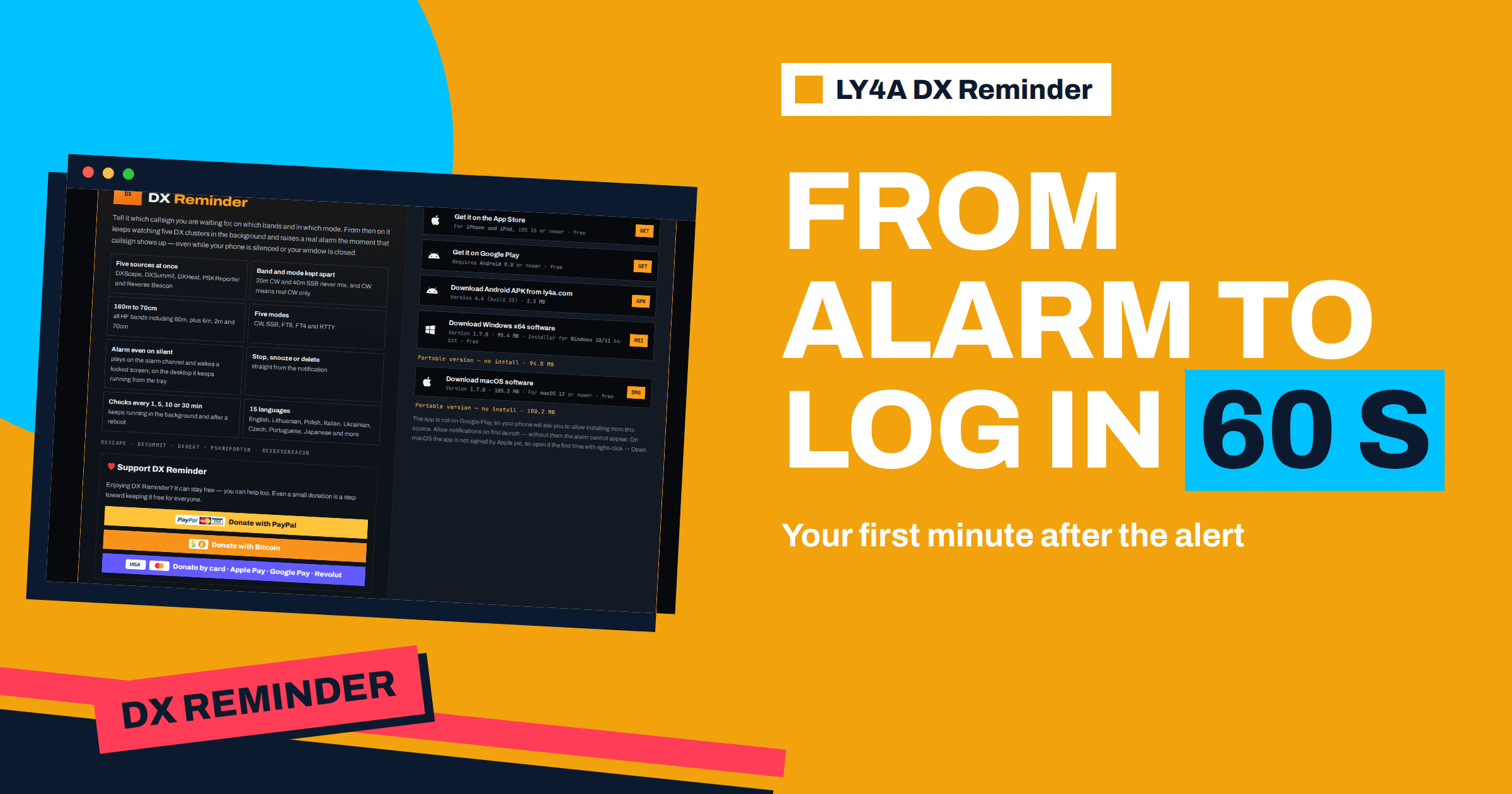
The alarm is only the beginning. A phone that rings with a rare callsign gives you a head start, but the head start is wasted if the next minute is spent hunting for the right band, remembering how to switch the radio to split or asking yourself whether the station is really there. Operators who work the rare ones regularly have a routine, and the routine is rehearsed until it takes about a minute. This article lays out such a plan for the time after the DX alarm from DX Reminder: what to do in the first ten seconds, how to set up the radio in the next twenty, how to listen in the following twenty and how to place the first call. It also shows how to prepare the shack in advance so that the routine is nearly automatic, and how to use the app’s controls so that the alarm helps rather than distracts.
Seconds 0 to 10: Read and Silence
The first task is to understand the alert. Read the callsign, the band, the mode and the frequency. If the alert shows the spotter and the source, glance at them to judge the path, as the article on the anatomy of an alert explains. At the same time, deal with the noise. Stop and Snooze are buttons on the notification and are visible without expanding it, and closing the full-screen alarm with Back also stops it. Use Stop if you are going to the radio at once, and Snooze if you need a minute, for example when you are in another room, because Snooze will bring the alert back. Do not leave the alarm ringing: it takes your attention and it annoys everyone near you.
One more decision belongs to these first seconds. Ask whether the alert is for a slot that you need. The wanted list helps here, but with a long list a quick check of your notes saves a wasted effort. If the contact is not needed, close the alert and go back to what you were doing. A good wanted list means that this question rarely arises.
Seconds 10 to 30: Set the Radio
Go to the radio and set the three things that must be right: band, mode and antenna. If the shack has band memories or presets, press the one for the band in the alert. Set the mode in the alert, and for CW or digital modes set the filter, the pitch and the audio source. Select the antenna that is best for the band and the direction, and if you have a rotator, turn it towards the DX. The greatest time loss at this stage is the number of separate actions, so the preparation described below is the real answer.
- Band and mode: one button or one macro, not three menus.
- Antenna: a switch with a clear label for each band, and a beam heading chart near the radio.
- Receiver: a standard DX setting: preamp on or off as the band demands, a narrow filter, AGC fast for CW and slow for SSB, and noise reduction ready.
- Transmit side: power at the level you normally run, the microphone or the keyer ready, and the amplifier warm, if you use one.
If you operate digital modes, open the program before the alarm and leave it on the band, so that it is waiting. For FT8, the program must run with the right dial frequency and a synchronised clock, which matters because a missed 15-second cycle costs you a chance. The article on Fox and Hound mode describes the procedure for an expedition that uses it.
Seconds 30 to 50: Listen Before You Call
This is the part that separates the successful from the frustrated. Listen. The frequency in the alert is the place where the DX station was heard, but the station may be working split, with the transmit and receive frequencies a few kilohertz apart. Listen on the spot frequency for the pattern of the pileup. If the DX calls “up”, “up 5 to 10” or “listening 3 up”, set your transmit frequency in that range, a few hundred hertz from the others, and learn where the DX is replying. The details of the technique are in the article on split operation and in the guide to working a pileup.
Check the stations the DX is answering. If the DX works one call area at a time, wait for yours. If the DX takes calls in order of the last two letters, in numbers or in a pattern, learn the pattern before you call. If the DX station is working Europe and you are in Lithuania, you are in the right place, and if the station is calling a specific region, wait. This listening saves a lot of useless calls, which only add noise to the pileup and cost you energy.
Seconds 50 to 60: The First Call
When you know where and when to call, send your callsign once or twice, not ten times. On CW, send the call at a steady, medium speed, in the pause that follows the DX station’s transmission. On SSB, give the call with standard phonetics, as in the guide to the phonetic alphabet, and do not add anything. On FT8, double-click the DX call, check the transmit frequency and time slot and let the program do its job. Watch the receiver and listen for the answer. If the DX replies with a partial call, repeat your call fully, and if he replies to someone else, wait. Do not call while someone else is being worked, and never call on the DX’s own frequency in a split pileup.
The Same Minute in Three Modes
The plan is the same, but the details differ with the mode. In CW the first step is the pitch and the filter: a narrow filter that fits the DX’s speed, centred on his tone, will let you hear the replies in the din, and a keyer set to a speed slightly below that of the DX is easier to copy for the other side. In SSB the main task is to hear the instructions, so keep the speech processor off or at a low setting and listen with a flat audio response; when you call, speak slowly and use the exact call without a “please”. In FT8 and the other digital modes the technique is different: the program decodes the signals of the cycle, and you pick the callsign you need. Set the transmit frequency to an empty spot unless the DX is using a Fox and Hound arrangement, make sure the clock is accurate and keep the power low enough to avoid splatter. The shared principle is that you should know the mode’s rhythm before you transmit.
Check the Spot With the Cluster
While the radio warms up, a glance at a DX cluster page or at the list of spots in the app takes five seconds and answers two questions: how many spotters agree on the frequency, and where the spotters are. If several stations in your region have reported the station in the last few minutes, the path is open. If the only spots come from the other side of the world, you may be calling into silence. This habit also guards against typing errors in the callsign, since a report from a skimmer or a decoder is a machine reading, and a match with a human spot is a good sign.
The One-Minute Plan on a Page
| Time | Action | Tool |
|---|---|---|
| 0 to 10 s | Read callsign, band, mode, frequency; stop or snooze the alarm | DX Reminder notification |
| 10 to 30 s | Band and mode on the radio, antenna, filter, beam heading | Presets, macros, rotator |
| 30 to 50 s | Listen: split, pattern, who is being worked | Receiver, panadapter |
| 50 to 60 s | First call, short and clear | Key, microphone or digital program |
| After the call | Listen for the reply, repeat if needed, log the contact | Logger, snooze if needed |
Prepare the Shack Before the Alarm
A routine of sixty seconds is possible only if the shack is prepared. A few hours of preparation give months of faster response. The most valuable steps are cheap.
- Memories and macros. Store a memory for the DX segment of each band and mode, and set the buttons of your logger or digital program to do the common operations.
- A written split procedure. Stick a card to the radio with the keys needed for split, for RIT and XIT, and for swapping VFOs. When you are excited, the procedure should not come from memory.
- A panadapter. A spectrum display shows the pileup and the DX, and lets you see where the station is listening. The article on the panadapter and waterfall shows how it helps.
- A headset or a speaker that you like. You will listen to a pileup for a long time.
- The app’s settings. Check the repeat interval and the sound, and test the alarm, as the article on testing the alarm suggests.
Use the App to Support the Routine
DX Reminder gives you one alarm for each callsign, band and mode, with the newest spot shown, so you do not need to look at the cluster in the first minute. Use the repeat interval to your advantage: for a rare station a short interval brings the alert back if the station disappears and returns, and a longer one stops repeated alarms while you are busy working. After the contact is in the log, remove the cell or the callsign from the list, so that the app does not ring for a station that you no longer need. If the station is a new band slot but not a new entity, you may keep a single cell. The spots list, with the newest at the top, shows whether the station is still being reported, which is useful when you decide whether to keep calling or to come back later.
Practise on Common Stations
The routine improves with practice, and the rare station is a poor time to practise. Use ordinary DX stations to train. Add a busy callsign, one that is spotted often on a band you use, let the alarm ring and run through the sixty seconds as if it were the real thing, from Stop to the first call. Time yourself. Note which step takes the longest, a menu you have to search or an antenna you need to switch, and fix that step with a preset or a label. After a few rounds the routine becomes a habit, and the pulse stays calm when the real rare one appears.
When It Does Not Work
Many calls fail, and that is part of the hobby. If the DX does not hear you after several well-timed calls, stop and think. Check your transmit frequency, your timing and your signal. Look at a spotting site to see who is being worked from your area. If the signal is weak at your end, it may help to try a different antenna, or to wait for a better opening. Move away from a hopeless pileup, and come back a few minutes later. The alert will ring again after your chosen interval if the station reappears. Patience and a sound routine win more contacts than shouting.
The Bottom Line
After the DX alarm, a one-minute routine turns a head start into a contact. In the first ten seconds, read the callsign, band, mode and frequency and stop or snooze the alarm. In the next twenty, set the band, mode, antenna and filters with presets and macros. In the following twenty, listen for the split and the pileup pattern, and in the last ten, send a short, clear call. Prepare the shack in advance with memories, a split card and a panadapter, keep the wanted list short, and clear each callsign after the contact. The alarm gives you the chance, and the routine gives you the log entry.
Frequently Asked Questions
What should I do first when the DX Reminder alarm rings?
Read the callsign, band, mode and frequency, then press Stop if you are going to the radio, or Snooze if you need a minute.
Should I call on the frequency shown in the alert?
Only after listening. In a split pileup, the DX transmits on the spot frequency but listens elsewhere, and calling on his frequency will not be heard.
How long should I listen before calling?
Listen for at least a few exchanges to learn the split, the call area being worked and the pattern. This usually takes about twenty seconds.
What if the alarm rings but I am away from the radio?
Use Snooze to bring it back, or leave it, and the app will ring again after the repeat interval you chose if the station is reported again.
Should I delete the callsign after I work the station?
Yes, remove the cell or the callsign after logging so that the app does not ring for a station you no longer need.
How can I get faster at this routine?
Prepare memories, macros and a split card, practise on common DX stations, and test the alarm and settings before important events.